.jpg)

You probably manage your time pretty well. However the problem is youre just overwhelmed. Meetings keep piling up, tasks come at you sideways, and someone pops up during a Zoom call with a request that shouldve been made yesterday. You install some new productivity app, hoping this one is finally the one thatll get you sorted, and for a moment it almost feels like the magic solution. Then real work starts happening again and before you know it youre juggling multiple apps, tools and half-finished productivity systems.
Choosing the right productivity tools and workflows can really give your productivity a boost, by making it easier to manage your time and resources.
This post isn't about seeking out the perfect productivity app in some ideal world - its about picking tools that actually fit the work youre doing - the interruptions, the meetings, the non-stop calendar and all the rest. Because, let's face it, productivity in the real world is less about having perfect systems and more about making it easier to get things done when things get messy.
Productivity Tools Fail Because They Ignore Reality
One reason productivity tools can be so overwhelming is that they're often designed for a perfect workday that doesn't actually exist. Long blocks of uninterrupted time. A clean to-do list that magically reflects your actual work. Predictable schedules and all the rest.
The reality is a lot different.
Modern work is fragmented. Notifications, meetings, Slack messages, calendar changes and all the other distractions try to grab your attention all day long. Industry research shows time and time again that too many interruptions increase stress, make you make more mistakes, and make it harder to stay focused, no matter how disciplined you are. Productivity tools that refuse to acknowledge this reality tend to fall apart pretty quickly, usually after a week or two.
This is the first thing you should keep in mind when evaluating productivity tools: do they understand that your day is going to be interrupted, or do they pretend its all going to be perfect and linear? Tools that are designed for uninterrupted work often fail quietly, but tools that are designed to work with interruptions tend to be more reliable in the long run.
Why Context Switching Breaks Most Productivity Systems
Interruptions don’t just feel annoying. They carry a measurable cognitive cost.
Research summarized in The Cost of Interrupted Work: More Speed and Stress shows that when people are frequently interrupted, they often compensate by working faster. The problem is the trade-off: significantly higher stress, increased mental effort, and growing time pressure, even when output quality doesn’t improve. Productivity doesn’t disappear; it mutates into exhaustion, a pattern documented in this widely cited study on interrupted work and context switching:
This matters because many productivity tools unintentionally increase context switching. Separate apps for task management, meetings, collaboration, scheduling, and follow-ups create more places to check, more decisions to make, and more chances to forget something important. Most task managers, even good ones, assume they’re the center of your productivity system, when in reality they’re just one piece of it.
That’s why productivity systems built around fewer handoffs and fewer decisions tend to hold up better over time. Not because they do more, but because they reduce the mental overhead required just to stay organized.
Task Management vs Project Management: Know the Difference
Task management is usually the first stop when people try to get organized. A simple to do list feels approachable. Add tasks, check them off, repeat. For short term tasks and personal workflows, that’s often enough.
Todoist is a popular productivity app that offers a free version with essential features for managing todoist tasks effectively.
But as soon as you’re working with other users, deadlines, dependencies, or multiple projects, task management quietly turns into project management. This is where many productivity systems start to crack. Tools that work perfectly for individual task tracking struggle with complex projects, while heavy project management tools can feel overwhelming when all you want is to add tasks quickly and move on.
The mistake isn’t using simple task management apps. The mistake is forcing simple tools to handle complex workflows-or adopting advanced project management software long before you actually need reporting features, multiple accounts, or advanced features. The best productivity tools allow structure to scale gradually, without forcing a rigid methodology from day one.
Calendars Are Not Accessories - They’re the Backbone
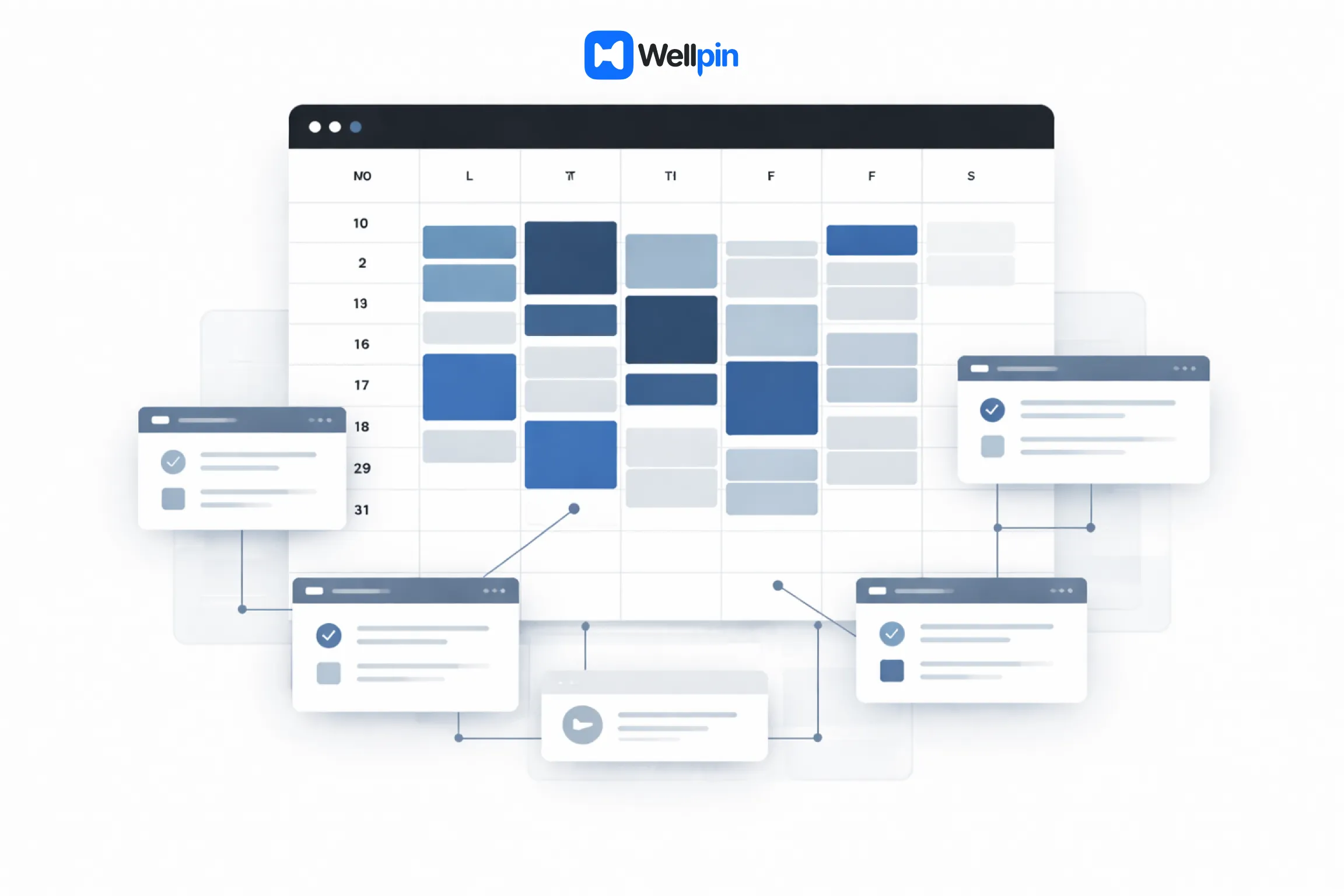
If task management answers what you need to do, your calendar answers when it can realistically happen.
Ignoring your calendar while planning tasks is one of the fastest ways to overload yourself. Meetings are immovable. Focus time isn’t. Any productivity app that treats scheduling as secondary is setting you up for friction, missed deadlines, and constant rescheduling.
Google Calendar is free with a Google account and integrates well with other services, which is why it often becomes the backbone of day-to-day planning rather than just another supporting tool.
This is especially true for teams working inside Google Workspace, where Google Calendar becomes the de facto source of truth for availability. Productivity tools that integrate seamlessly with calendar data make planning more realistic and less aspirational, a principle emphasized in Google’s own guidance on productivity and wellbeing.
This is also where calendar-first workflows quietly outperform traditional task-only setups. When scheduling is frictionless when availability is shared automatically and meetings don’t require endless back-and-forth productivity improves without adding more tools to manage. A good example of this approach is a meeting scheduling platform that integrates directly with calendars and video tools, reducing coordination overhead by design.
Tools like Calendly offer a free plan with limited features for scheduling meetings, while other platforms try to act as an all-in-one solution by combining calendar access, scheduling, and additional productivity features into a single workflow.
Time Management Starts With Calendar Reality
Calendars don't just dictate how you plan your day - they also set the stage for how you allocate energy and expectations.
Sunsama is a productivity tool that focuses on time blocking and daily planning, but you'll need to pay for it to get the full experience.
The thing is, effective time management is all about understanding your real constraints - not just squeezing more into less. It's about finding ways to protect that all-important focus time. Avoiding those dreaded double bookings. Making it crystal clear to others what your schedule is so they don't accidentally hijack your day. None of that's fancy - it's just basic survival skills.
Productivity tools that genuinely get what's going on with calendar reality help prevent burnout by making workloads visible. When a tool integrates with Google Calendar and really does reflect your true availability, you can save tons of time by eliminating the need for endless back-and-forth coordination. A smart scheduling workflow lets others book time based on your real availability, and that can save you hours every week without requiring you to lift a finger - it's a kind of productivity win that only really hits home when it's gone.
Note Taking And Documentation: The Unheralded Heroes Of Productivity
When people start talking about productivity tools, it's always the same old suspects - task management apps, project management platforms, and the like. But the truth is the real backbone of any productivity system is usually something much more humble: a decent note taking app. Note taking and documentation are the unsung heroes that help you stay organized, capture those fleeting ideas that would otherwise slip away, and keep all that important information from getting lost in the ether.
A good note taking app isn't just a fancy digital notepad - it's actually the ultimate productivity tool for anyone juggling multiple projects, meetings, and daily routines. Whether you're brainstorming, transcribing meetings, or outlining some complex project, the right tool can be a total game-changer. The best productivity apps in this category offer an intuitive interface, powerful search features, and seamless integration with all the other tools you're already using, like your task manager or Google Drive.
Popular options like Apple Notes or Google Keep each bring their unique strengths to the table. Apple Notes is basically a no-brainer for quick capture on the go, while Notion stands out for its sheer customisation options and ability to handle both note taking and project management in one platform. Evernote's unified inbox and advanced features make it a go-to for anyone who needs to wrangle large volumes of information, and Google Keep integrates seamlessly with Google Workspace, making it a cinch to link notes to your calendar or to-do list.
The real power of a note taking app comes from how well it fits into your existing productivity system. Look for tools that let you organise your notes by tags, folders, or projects - and that support integration with your favourite task management apps. That way, you can quickly turn those meeting notes into new tasks, link documentation to important tasks, and make sure nothing gets lost in the transition.
Most note taking apps have a free plan or version with enough features for everyday use, while paid plans start to add in things like collaboration, multiple accounts, or habit tracker integrations. The only downside to some tools is that premium features might be locked behind a subscription plan - but for many users, the free version is more than enough to stay productive and organised.
At the end of the day, note taking and documentation aren't just about keeping records - they're about building a productivity system that actually sticks. By choosing a note taking app that integrates seamlessly with all your other tools, you'll save time, reduce friction, and stay focused on what really matters.
Collaboration Tools Turn Productivity Upside Down
The minute collaboration comes into play, productivity stops being a personal thing and becomes a whole team effort.
Messages, meetings, shared documents, and decisions all start spreading across tools in no time. Slack messages interrupt your deep work. Microsoft Teams notifications yank you away from important tasks. A quick Zoom call turns into a scheduling nightmare. Without some kind of structure, collaboration tools can actually make more noise than they generate output.
Some collaboration tools have some pretty unique features, like interactive whiteboards or AI-driven tools, to help boost user experience and collaboration.
It's here that a lot of productivity systems go wrong. Tasks get discussed in meetings, but never actually make it into a task manager. Follow-ups get buried in chat. Decisions get stored in someone's brain instead of a system. A unified inbox sounds appealing, but ends up being overwhelming.The most effective productivity tools dont try to replace the collaboration platforms. They dial back the friction that gets in the way of them. A scheduling tool that's got good integration with calendars and video platforms can stop meetings from being a complete waste of time and cut down on the mental overload that comes with coordinating everything. When meetings are a bit easier to schedule and a lot easier to skip when theyre not needed, teams are able to get work done without getting constantly interrupted. A calendar-based scheduling tool that can sort out the basics of team availability does just that.
AI Productivity Tools: Helpful When They Reduce Friction
There are a lot of AI productivity tools being marketed as some kind of game changer right now.
A lot of these tools can take the key points from a meeting and summarize what was said so that you dont have to dig through a bunch of notes to find the important stuff. Fireflies.ai is one of these AI tools - its a meeting assistant that can transcribe meetings as they happen and sum up the key points. This helps people focus on what they need to talk about in the meeting instead of having to take notes.
In practice, AI works a lot better when it is doing some of the little things that take up a bunch of time and effort. Suggesting time slots that fit everyone. Dealing with all the back and forth about who is available when. Doing all the little things that cut down on how much you have to manually coordinate. When AI ends up being another thing you have to talk to, it just becomes another thing that is taking up your attention.
The tools that do a really good job with AI are the ones that are working quietly behind the scenes. An AI assistant that is just helping with scheduling or coming up with solutions to potential problems before they become a big deal saves a lot of time without needing anyone to change how they work. Good AI features are the ones that just work behind the scenes and support the way you are already working. That way, you dont have to change anything or put up with some clunky interface. When it comes to productivity, subtlety beats flash every time.
Free Plans, Paid Plans, and the Hidden Cost of Complexity
Most productivity tools have a free plan, and usually thats where most people decide whether or not a tool is going to be useful to them.
Notion is a pretty versatile tool that gives you a lot for free. The free version should be enough to see if the tool works for you. If the free plan doesn't let you do the basics - like coordinate your team and schedule meetings - then its not a good tool. Paid plans are only worth it when they do something new and useful, not just when they give you the basic features you can already get for free. When the paid plans arent some kind of money-grab but actually give you something you need, then people will actually pay for them.
The thing that really matters is whether the tool makes things simpler. If a paid plan takes all the scheduling, calendar coordination and meeting setup and puts it all into one workflow, then its probably worth paying for. Less switching back and forth between different tools. Fewer chances to miss something important. Fewer "quick sync?" messages that are just a hassle. The thing that can be a downside of a lot of free plans is that they come with limitations or dont let you do the things you need to do, which can be a deciding factor when you are thinking about whether to pay for an upgrade.
Time Tracking and Productivity Awareness
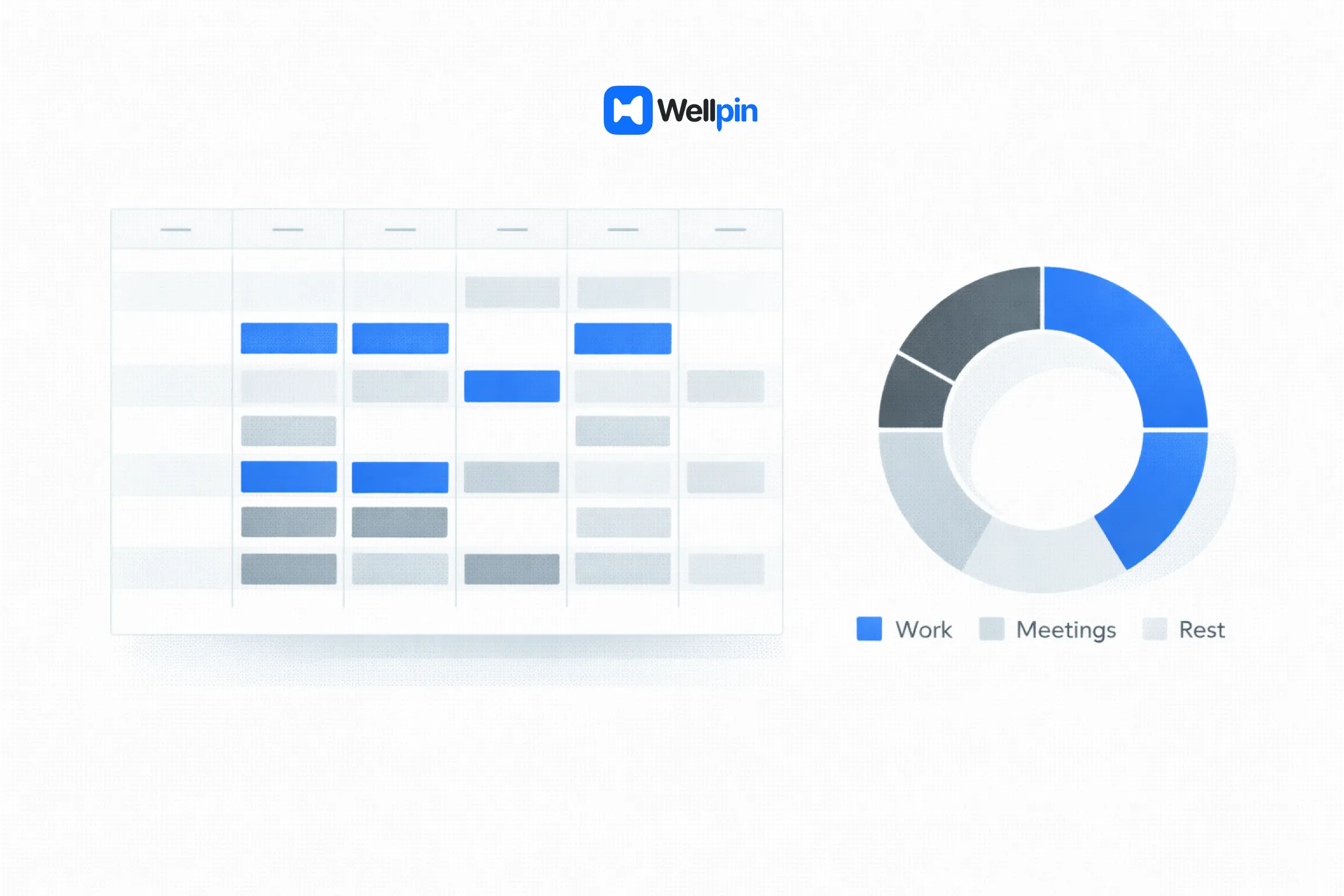
Time tracking tools like Toggl Track are often separate from the rest of your productivity system. And thats not a bad thing - tracking your time is useful for something different. Toggl Track gives you a free plan for time tracking, which is good.
Some of the most popular time management tools are things like the Pomodoro Technique which is all about using timers to structure your work and breaks. And there are dedicated apps to help you do that. Focus Traveller is a Pomodoro timer that makes the whole process a bit more fun. And its free, with a paid plan for more features.
Time tracking can be useful for spotting problems and bottlenecks in your work. Or for realizing that you are switching between different tasks too much. But if it gets to be too much of a hassle, then people will just stop using it. The biggest problem is when you have to do a lot of work to start tracking your time in the first place. Thats why most productivity systems these days are more about reducing friction than trying to measure every little thing.
Final Thoughts
The biggest mistake you can make when it comes to productivity is building a system that is too complicated to actually work in real life.
A good productivity system usually has:
- a task manager that works with your daily routine
- a calendar-first approach to planning
- a collaboration tool that doesn't hijack your attention
- a scheduling tool that makes coordination a whole lot easier
Trying to cram everything into one huge app will never work. But so will trying to tie together too many different tools. The sweet spot is when each tool integrates seamlessly with the others and does one thing that is really useful. Thats why a tool that just does one thing really well - like scheduling meetings - can often outdo a big all-in-one tool. They just focus on solving one problem that drives you crazy.