Wellpin vs Calendly
We kept this comparison to what actually matters - how fast you can get from “let’s meet” to a confirmed slot
Get started
.webp)

A simple, free scheduling tool built around what most people actually need: share a link, let guests pick a time, avoid conflicts automatically, and handle group meetings with clean widgets and no extra complexity.

A popular scheduling tool with many settings and workflow options. Calendly gives teams flexibility, but can feel complex for simple booking needs and requires time to configure everything
Both tools help you book meetings. The real differences appear when you look at how simple the setup is, how quickly you can share a booking link, and how easy it is to keep everyone’s calendars aligned. Here’s how Calendly and Wellpin compare on the essentials.
Final verdict
.svg)
Free to Start - With All Essential Features Included
Start scheduling instantly with all the essential tools available for free.
Connect your calendar, share a booking link, run group meetings, and use widgets without hitting paywalls.
Start for Free
.svg)
“Book a Demo” Widget
Add a free booking widget to your website in one click.
Embed a clean, lightweight “Book a Demo” button on any page - no codie, no cost, and completely free. Let your website book a demo for you.
Get Free Widget
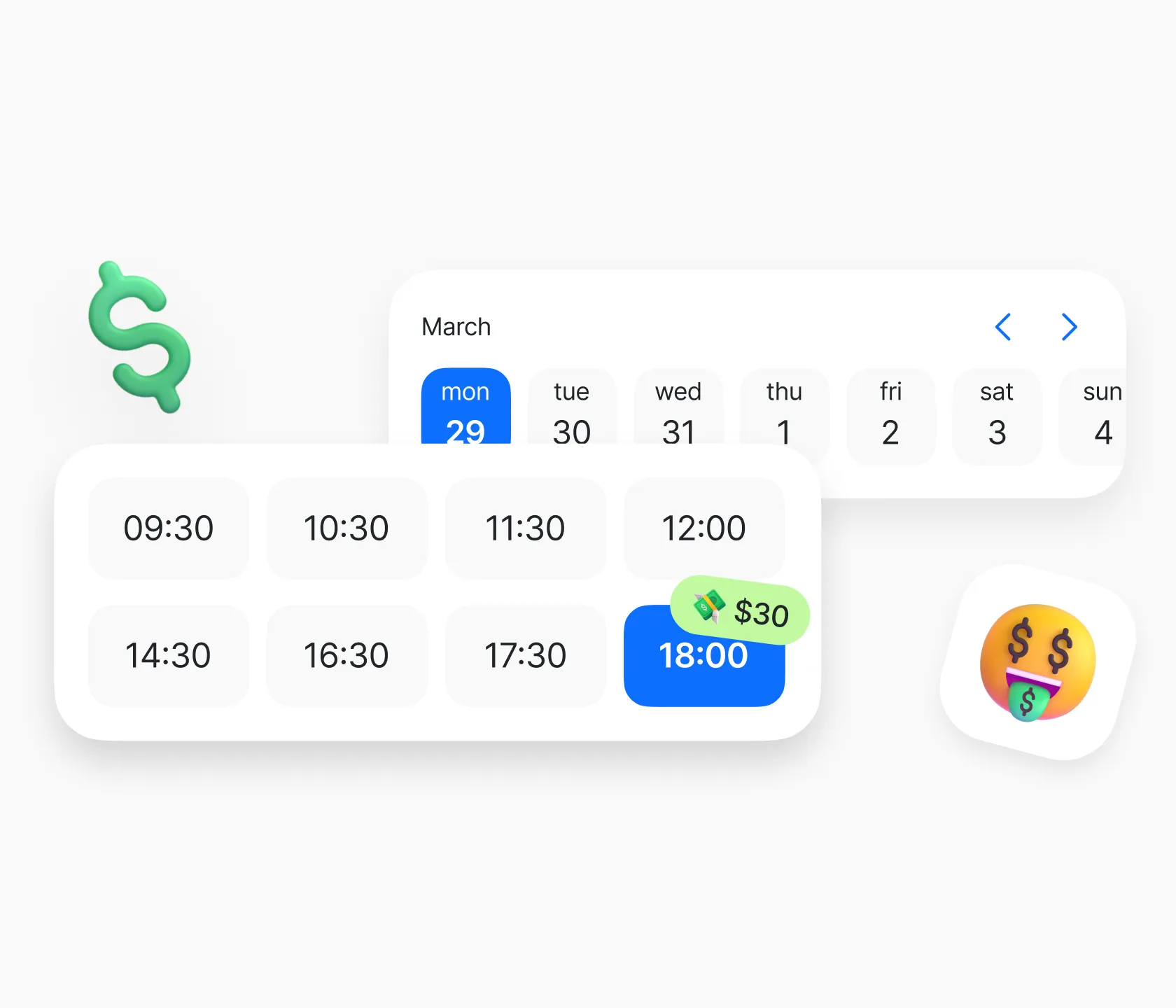
Get Paid for Your Time
Let clients book and pay for your meetings in one step. No invoices, no follow-ups and everything happens before the call.
Available Soon
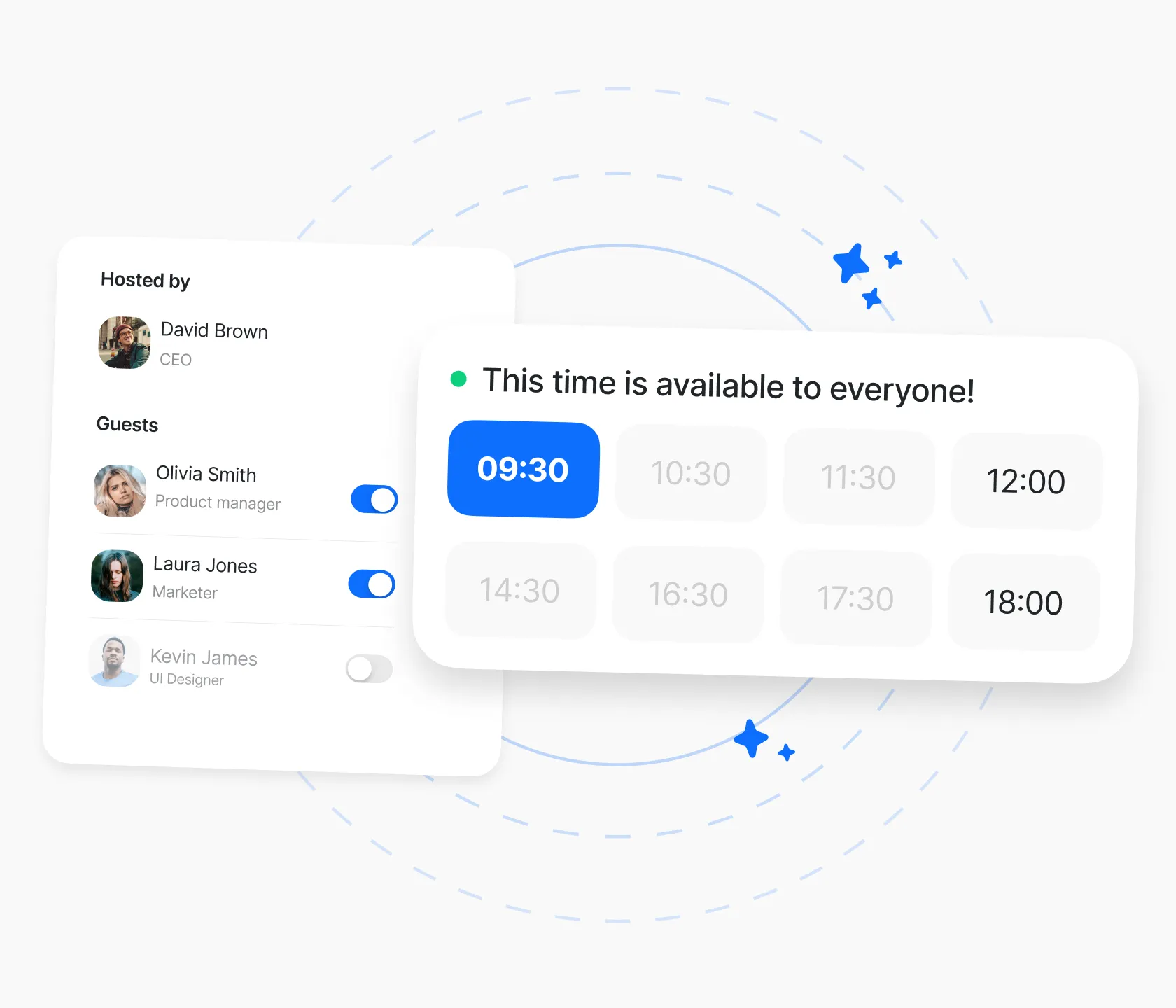
Simple Scheduling for Teams
Work as a team without extra tools.
Set shared rules, coordinate client calls, and keep calendars in sync all inside Wellpin. Designed for teams that prefer clarity over complexity.
Stay Tuned
How we help the business grow

Really helpful for our team
Wellpin has made scheduling across time zones so much easier for my team. No more chasing people on WhatsApp—we just send a link and it’s done
5.0 / 5.0


Great tool for remote team
The convenient website widget allows for quick interaction with leads, ensuring that everyone can easily book appointments. Best of all, it's completely free!
5.0 / 5.0

So easy to use
Really love how easy it is to set up meetings with Wellpin. Just send a link and done. Super useful for work!
5.0 / 5.0

A real time saver
Wellpin has made scheduling meetings so much smoother. It’s straightforward and saves us a lot of time every week.
5.0 / 5.0
Articles
Designed for you, suitable for everyone
Here are some cases for Wellpin that can help you understand how it can be used in diffrent situations.
Features
Making scheduling a breeze
Share your meeting availability

Easily sync your calendar and video meetings

Choose your suitable meetings duration

Set all meetings within one link

FAQ
What’s the main difference between Cal.com and Wellpin?
Cal.com is a highly customizable, open-source scheduling platform built for teams that want deep control, integrations, and developer tooling. Wellpin is an AI-assisted scheduling assistant focused on easy setup, free group scheduling, and conflict-free booking for individuals and teams
Which tool is better for group scheduling on a budget?
Wellpin includes group scheduling, conflict detection, and time-zone handling on its free plan, making it ideal if you regularly book multi-person meetings without wanting to pay for a team tier. Cal.com supports powerful team and collective events, but some of those features sit behind its paid plans
How do Cal.com and Wellpin integrations compare?
Cal.com offers a large app store and advanced API options, which is great for custom stacks and self-hosting. Wellpin focuses on the most commonly used integrations — Google and Outlook calendars, Zoom, Google Meet, and key collaboration tools — so non-technical teams get everything they need without extra setup
Are both tools really free?
al.com has a strong free-forever plan for individuals, with paid tiers for teams, organizations, and platform APIs. Wellpin offers a free version that keeps its core features — including group scheduling and AI-driven conflict detection — available without a subscription, which is why many small teams use it as their primary scheduler
Which should I choose if I want the simplest setup?
If you love tweaking routing rules, APIs, and custom workflows, Cal.com is a great playground. If you’d rather connect your calendar, choose a few time slots, and let AI handle the scheduling headaches — especially for groups — Wellpin will feel much lighter from day one.