.jpg)

Finding a genuinely free online scheduling tool that works more than just a basic demo in 2026 is a lot trickier than you'd think. A lot of tools claim to have a free plan, but once you start using them with real clients the limitations quickly become apparent - possibly restricted bookings, automated reminders missing in action, or sneaky paywalls for features like payments, follow ups and more. For solo pros, small business owners and growing teams, these limitations can directly hit your bottom line and impact client experience. Choosing the right online scheduling tool is no longer just about making life easy - it’s about building a reliable booking system that actually supports your business.
In this guide, we're not just listing tools and features - we're actually putting them into real world use cases. You'll see which scheduling apps work best for managing appointments, stopping double bookings, and scaling your booking process without jumping into a paid plan too soon. We'll also show how tools like Wellpin fit into modern workflows and why they're becoming a go-to choice for users that want simplicity, flexibility and a truly usable free plan.
What Makes a Free Online Scheduling Tool Actually Work for You
Not every free online scheduling tool is designed with real usage in mind. A lot of tools give you a free plan, but cut off essential features like scheduling links, automated workflows, or integrations with Google Calendar and Outlook Calendar. These limitations might not be immediately obvious but they can quickly become a major problem as soon as you start trying to use them with actual clients and need a reliable booking process.
A good scheduling tool should let you manage calendars, control your availability, and stop double bookings without needing to upgrade. It should also give you a professional booking page that converts visitors into actual bookings, rather than creating friction during the booking process.
In 2026, the expectation is clear: a free plan should include automated reminders, multiple event types and basic follow up emails. Without these features, a scheduling app is not going to be practical for real business scenarios, especially if you rely on consistent meetings and appointments.
Why Online Scheduling Tools Make Manual Booking a Thing of the Past
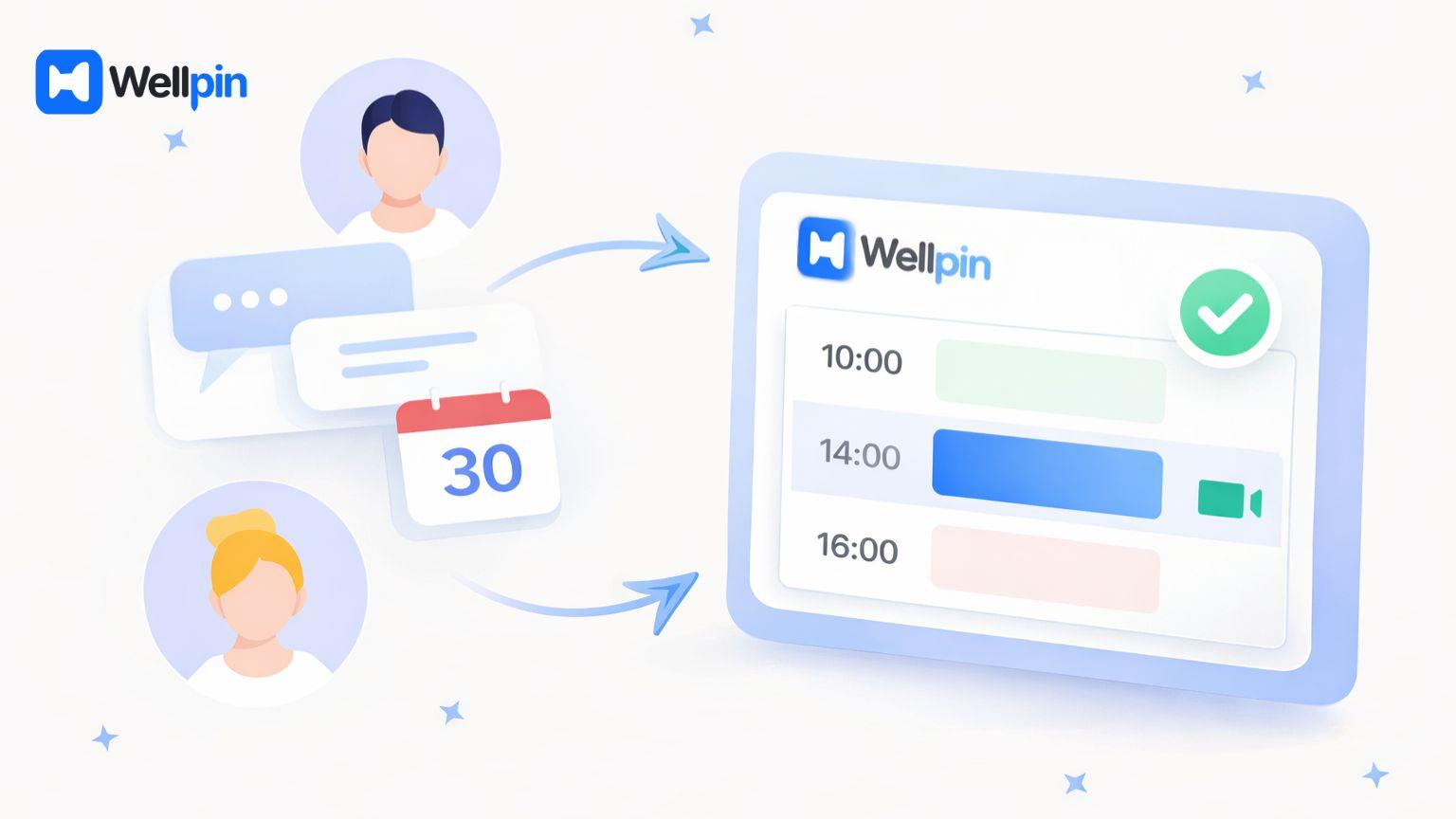
Manual scheduling is one of the biggest time wasters for modern businesses. Sending messages back and forth to schedule a meeting not only wastes time but also increases the risk of double bookings and missed appointments. This is especially problematic for businesses that have to manage multiple clients and keep their availability up to date across different calendars.
With online scheduling, the whole process gets automated. You simply share booking links, and clients can book meetings based on your up to date availability. This removes friction and creates a smoother booking experience for both sides, making it easier to convert new clients and manage ongoing relationships.
Tools like Wellpin are built around this idea. They focus on making scheduling appointments simple, quick and accessible, even for users who are setting up their first scheduling tool. Integration with popular video conferencing software also means you can easily link virtual meetings without hassle.
Key Features Every Scheduling Tool Should Have in 2026
Modern scheduling software goes far beyond just booking a time slot. At a minimum, a good scheduling app should let you create multiple meeting types, manage your availability across multiple calendars, and automate reminders to cut down on no shows.
Another essential feature is the ability to create flexible booking pages with custom form fields. This lets you collect important scheduling data before meetings and improve the overall booking process. Without this, you risk wasting time on unqualified or incomplete bookings.
Features like automated workflows, follow up emails and SMS notifications are becoming standard. While not all free plans include them, tools like Wellpin take a balanced approach, giving you enough functionality to support real workflows without overwhelming you with unnecessary complexity.
Also, buffer time between appointments is key to prevent burnout and ensure you have preparation time. The best tool will let you add this padding seamlessly.
Additionally, top free online scheduling tools provide unlimited appointments on their free tier, include professional booking pages with automatic time-zone detection, and allow calendar syncing with Google, iCloud, or Outlook calendars to prevent double bookings. Customization options enable adding logos, brand colors, and appointment reasons or surveys for first-time clients. Integration with video conferencing tools and other apps streamlines virtual meetings, while automated reminders via email and SMS messages reduce no-shows and enable follow up actions to maintain client engagement.
Best Free Online Scheduling Tools in 2026
Let's break down the best scheduling apps based on real-world usage, rather than just feature lists.
1. Wellpin — The Best Free Online Scheduling Tool for Real Use Cases
Wellpin is one of the most practical free online scheduling tools available today. It focuses on providing a clean interface and a smooth booking experience without bombarding you with features you don't need.
The platform lets you create a professional booking page, share scheduling links and manage calendars with ease. It integrates with Google Calendar and Outlook Calendar, so your availability is always up to date and double bookings are automatically prevented.
One of the big advantages of Wellpin is its genuinely usable free plan. You can set up event types, manage appointments and create a reliable booking process without needing to jump into a paid plan. This makes it an excellent choice for solo pros, freelancers and small business owners.
2. Calendly — A Popular but Limited Free Plan
Calendly is one of the most well known scheduling software tools out there, and for good reason. It has a simple setup process and a reliable booking system that works well for basic use cases. However the free plan comes with significant limitations and restrains - features like automated workflows, advanced follow-ups, and SMS notifications are only available in paid plans. This means that although Calendly is easy to get started with, it can become restrictive as your business starts to grow.
For users who need more control over their booking experience, alternatives like Wellpin often provide a better, more flexible solution for the long-term.
3. Cal.com — Advanced Scheduling for Teams
Cal.com is a powerful scheduling tool designed specifically for users who need flexibility and customisation. It has advanced features like round robin scheduling, multiple calendars, and custom workflows that make it a great fit for growing teams.
But while these features are valuable for teams, the setup can be a bit more complicated compared to simpler tools. This makes Cal.com a better fit for users who have technical expertise or have specific workflow needs.
For those who prioritise simplicity and speed a tool like Wellpin might be a more sensible choice.
4. Zoho Bookings — Best for Ecosystem Integration
Zoho Bookings is a solid scheduling app for businesses already using Zoho products. It integrates well with other tools in the ecosystem and supports features like payment processing and automated reminders.
However the interface can be a bit less intuitive compared to more modern tools and many of the advanced features require a paid plan. This can make it less appealing for users looking for a simple and efficient scheduling tool.
5. Square Appointments — Best for Payments and Services
Square Appointments is a strong option for businesses that need to accept payments securely during the booking process. It supports payment processing, Apple Pay and other payment methods making it ideal for service-based businesses.
However its free plan is limited to individual users and teams need to upgrade to get full functionality. This makes it less flexible compared to tools with more generous free plans.
Free Online Scheduling Tools Comparison (2026)
Instead of going back and forth between options, here’s a simple side-by-side comparison to help you quickly understand which tool actually makes sense for your workflow:
Free Plan vs Paid Plan: What You Get in the Free Version
Most scheduling software follows a freemium model. The free plan usually includes basic scheduling functionality while the paid plan unlocks advanced features like automated workflows, SMS notifications and payment processing.
Free plans often limit the number of event types, integrations, or calendars you can connect. This can become a bottleneck as your business grows and requires more complex scheduling workflows.
With tools like Wellpin the goal is to provide a free plan that is actually useful - not just a trial, but a real solution to scheduling needs. This makes it easier to scale without having to immediately commit to a paid plan.
How Scheduling Tools Help Reduce No-Shows
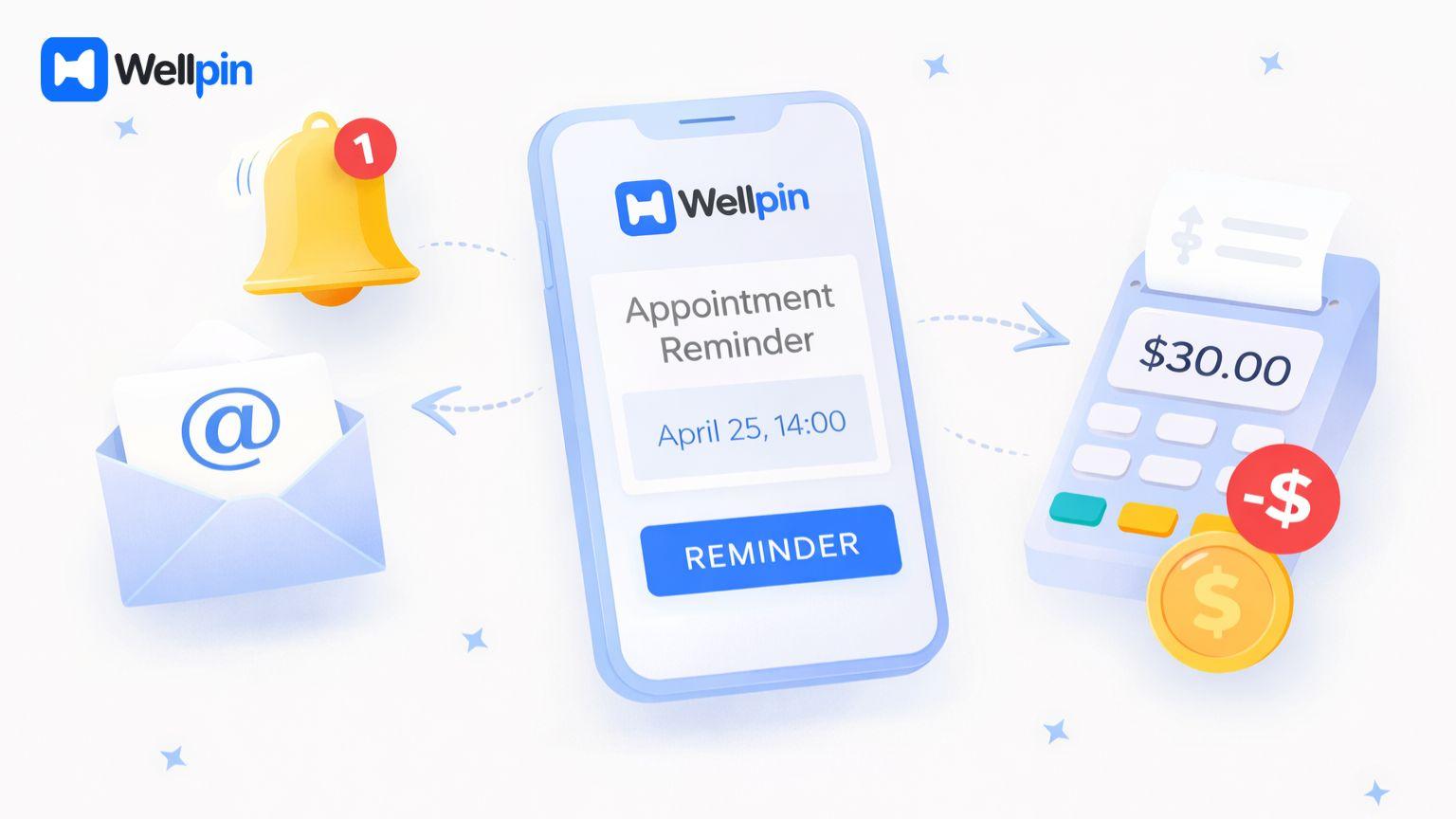
One of the biggest benefits of using a free online scheduling tool is the ability to reduce no-shows. Automated reminders and follow-up emails keep clients on track and ensure they don’t forget about upcoming meetings.
Some tools also let you charge cancellation fees or require payments online which further reduces missed appointments. This is especially important for businesses that rely on scheduled services as a primary source of income.
By automating reminders and follow-ups scheduling tools help create a more reliable booking process and improve client satisfaction.
Managing Multiple Calendars Without Time Conflicts
Managing multiple calendars manually is one of the main reasons businesses switch to scheduling tools. Without proper synchronisation it’s easy to double book meetings or lose track of availability.
A good scheduling tool integrates with Google Calendar and Outlook Calendar ensuring all bookings are synced in real-time. This stops double bookings and lets you manage your availability more effectively.
Tools like Wellpin make this process even simpler by giving you a clear view of all your calendars and making it easy to control scheduling on different platforms.
Why Booking Pages Drive More Bookings
A well-designed booking page is essential for converting visitors into actual bookings. If the booking process is confusing or slow clients are more likely to give up.
Modern online scheduling tools let you customise your booking page with branding, form fields and a clean layout. This improves the booking experience and makes your business look more professional.
Wellpin focuses on simplicity and clarity, making sure you get a booking page that is easy to use and has a high conversion rate.
Using Scheduling Links Across Your Website and Social Media
Scheduling links are one of the most useful features of a scheduling app. They let you share your availability instantly without having to manually coordinate.
You can add booking links to your website, email signature or social media profiles, making it easier for new clients to book meetings. This reduces friction and improves your overall booking process.
For businesses looking to grow this simple feature can have a significant impact on lead generation and client acquisition.
Payments, Monetization and Paid Bookings
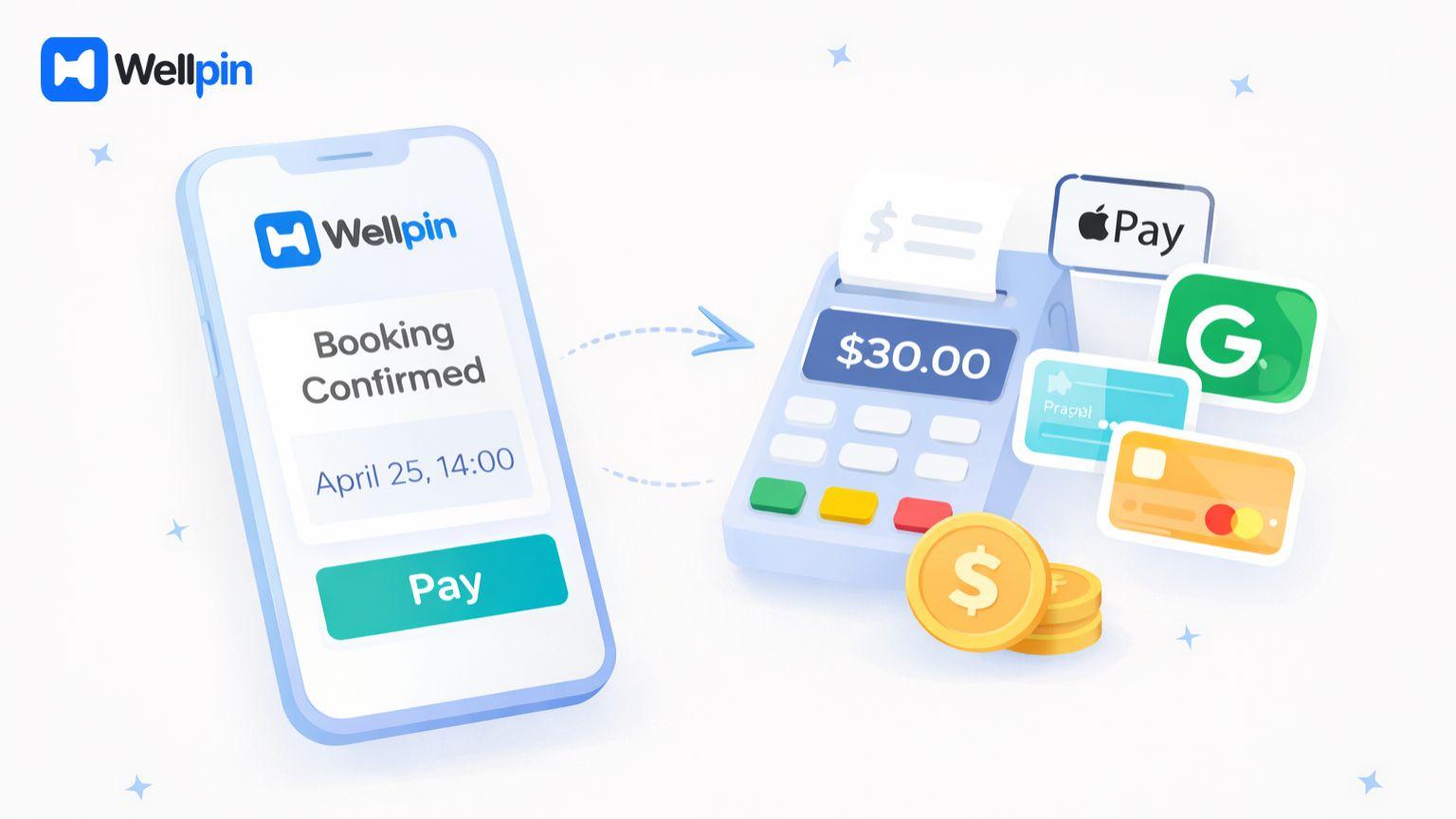
Some scheduling tools let you accept payments securely during the booking process. This is particularly useful for consultants, coaches and service providers who charge for meetings.
Features like payment processing, Apple Pay and online payments are typically included in paid plans. But they can make a big difference to the booking experience and reduce administrative work.
Even if you don’t need payments right now choosing a tool that supports them can be a good idea in the long run.
Best Use Cases for Free Scheduling Tools
Different online scheduling tools suit different needs. Solo professionals often just need a simple way to host booking pages, automated reminders, and maybe some easy integrations to get by.
Growth teams, by contrast, need some more serious features - round robin scheduling, multiple calendars, and maybe some automated workflows. That way you can really scale up your bookings and get more efficient.
Wellpin seems like a sweet spot between simplicity and all the functionality you really need, making it a solid choice for both solo operators and small teams.
Which Scheduling Tool Is Right for You?
Deciding on the best free online scheduling tool really depends on how you actually use it in your day-to-day work. Although a lot of scheduling apps offer similar features, the best tool is one that fits your specific needs without getting in the way. Below are the most common scenarios and what to look for in each situation.
For Solo Pros and Freelancers
If you work by yourself, what you need most is something that’s easy to use and simple to set up. You want a clean booking page, easy scheduling links, and reminders that will help cut down on no-shows - all without having to spend too much time on the setup process. A lightweight scheduling tool that helps you manage your availability and book meetings quickly is usually the best bet.
In particular, tools like Wellpin work well here because they give you a smooth booking experience and a free plan that doesn’t get cluttered up with a bunch of unnecessary features. This makes it super easy to get started with scheduling appointments with your clients right away.
For Small Business Owners
For small businesses, scheduling becomes more about keeping things consistent and being able to manage all your clients easily. You need to be able to manage your calendars efficiently, handle multiple appointments, and make sure that your booking process just works. And, of course, preventing double bookings is pretty important - so is making sure your availability is clear.
A reliable online scheduling tool with structured follow ups and reminders can really help make the booking experience better for your clients - and that’s key to building stronger relationships with them.
For Growing Teams
As your team grows, scheduling gets a lot more complicated. You need features like round robin scheduling, multiple calendars, and all the automated workflows to make sure meetings are distributed and availability gets managed across the team.
Now, not every scheduling app includes all those features in the free plan - so you want to pick a tool that can scale with your workflow. Even at the beginning, it makes a huge difference to have the right structure in place, because it makes future growth a heck of a lot easier.
For Service-Based Businesses
If your business depends on paid appointments, you want a scheduling tool that supports online payments and a structured booking process. Features like payment processing, cancellation fees, and reminders can really help reduce those pesky no-shows and make your schedule a bit more predictable.
A good scheduling software in this case should do more than just help you manage bookings - it should also be able to support your revenue and client experience too.
The Pitfalls of Choosing a Scheduling Tool

One common mistake is choosing a tool because everyone else is using it. Just because something’s popular doesn’t mean it’s the right tool for your workflow.
Another mistake people make is ignoring what the free plan can actually do. A lot of free tools look free until you get halfway through setting them up and discover you need to upgrade just to get the features you thought were included.
It’s super important to test the whole booking experience before you commit to a tool. That way you can spot any potential problems early and avoid switching to a different tool later.
Last Words: Choosing The Best Free Online Scheduling Tool
The best free online scheduling tool, then, is the one that fits your workflow not just your budget. A lot of tools have free plans, but only a few really deliver on the promise of free - you know, the one with no nasty surprises when you go to use a key feature.
If you’re on the hunt for a clean, reliable and easy to use scheduling tool, Wellpin is worth a look. They’ve got a pretty generous free plan and a really smooth booking experience, which is great for beginners and pros alike.
Ultimately, the right scheduling tool should save you time, reduce no-shows and make life better for your clients - all without forcing you into a paid plan before you need to be.